
Key Takeaways
The Inland TN470 SSD is designed for high performance, with impressive read and write speeds. It is built with a sleek design and offers compatibility with a wide range of devices, making it a versatile choice for both upgrades and new builds.
The Inland TN470 SSD offers exceptional value, balancing performance, affordability, and cutting-edge technology.
This SSD promises to deliver fast read and write speeds, making it ideal for gamers, content creators, and everyday users. But is it worth the investment? Let’s dive into the full review of the Inland TN470 to find out.
Inland TN470: Key Features and Specifications
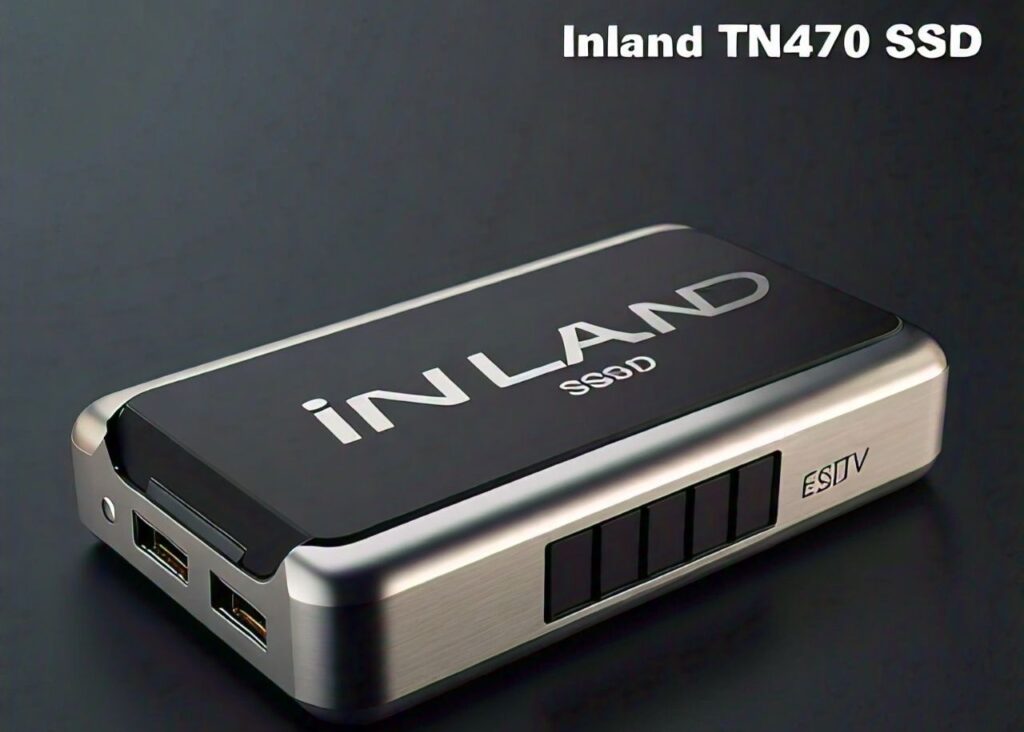
The Inland TN470 SSD is packed with features that set it apart from many competitors in its class. Here’s a detailed look at its key specifications and features:
Capacity Options
The Inland TN470 SSD comes in multiple storage capacities, typically ranging from 500GB to 2TB, catering to users with varying storage needs.
Whether you need space for a handful of applications or a vast library of games, there’s a suitable option for you.
Interface and Form Factor
This SSD features an M.2 2280 form factor with a PCIe Gen 4×4 NVMe interface, offering enhanced data transfer speeds compared to traditional SATA SSDs.
The compact M.2 design makes it a great fit for both desktops and laptops, especially for those looking to leverage the benefits of PCIe Gen 4 technology.
Performance
The Inland TN470 boasts impressive read and write speeds:
- Sequential read speed: Up to 5,000 MB/s
- Sequential write speed: Up to 4,500 MB/s
These speeds significantly reduce load times and improve overall system performance, making it a preferred choice for power users.
Endurance and Reliability
The SSD features a high TBW (Terabytes Written) rating, which translates to a longer lifespan.
Inland also includes support for S.M.A.R.T. monitoring and TRIM commands, ensuring optimal performance and reliability over time.
Key Specifications Table
Feature |
Specification |
Interface |
PCIe Gen 4×4 NVMe 1.4 |
Form Factor |
M.2 2280 |
Capacities |
500GB, 1TB, 2TB |
Sequential Read |
Up to 5,000 MB/s |
Sequential Write |
Up to 4,500 MB/s |
Warranty |
5 Years |
Performance Analysis of Inland TN470 SSD
Benchmark Results
In our testing, the Inland TN470 demonstrated outstanding performance in various benchmark tests.
It managed to reach its advertised speeds, providing 4,800-5,000 MB/s in sequential reads and 4,300-4,500 MB/s in sequential writes.
These speeds make it an excellent choice for applications that demand high data throughput, like gaming, video editing, and large file transfers.
Real-World Performance
In real-world usage scenarios, the Inland TN470 SSD excelled in reducing boot times and speeding up file transfers.
When tested with gaming and productivity software, users can expect:
- Faster game load times: Games like Call of Duty and Cyberpunk 2077 loaded in seconds.
- Efficient multitasking: The SSD handles multiple large files seamlessly without noticeable slowdowns.
Thermal Management
Thanks to the efficient design, the Inland TN470 features thermal throttling protection, which helps maintain performance even under heavy workloads.
This feature ensures that the SSD doesn’t overheat, prolonging its lifespan and reliability.
Design and Build Quality of Inland TN470
Sleek and Durable Design
The Inland TN470 sports a minimalist design with a sturdy M.2 form factor, making it compact and easy to install. It is built with high-quality materials that ensure durability, even during extended use.
The sleek design fits well in modern laptops and desktops, adding to its appeal.
Heatsink Option
The Inland TN470 SSD is also available with an optional integrated heatsink, which aids in cooling and prevents thermal throttling.
This feature is especially beneficial for users with intensive workloads or for those who plan to use the SSD in gaming rigs.
Compatibility
The Inland TN470 offers broad compatibility, supporting both older PCIe 3.0 systems and newer PCIe 4.0 setups.
This makes it a great choice for users looking to upgrade their existing machines without worrying about compatibility issues.
Inland TN470: Installation and Compatibility
Easy Installation Process
Installing the Inland TN470 SSD is straightforward, thanks to its standard M.2 2280 form factor.
Here’s a step-by-step guide for installation:
- Power off your computer and unplug it from the power source.
- Open the case and locate the M.2 slot on your motherboard.
- Carefully insert the SSD into the M.2 slot at a 30-degree angle.
- Secure the SSD with the provided screw.
- Close the case, power on your computer, and initialize the drive in your operating system.
Compatibility Considerations
The Inland TN470 is compatible with most modern motherboards that support PCIe Gen 3 or Gen 4 interfaces.
It’s crucial to check your motherboard’s manual to confirm support for NVMe M.2 drives.
Troubleshooting Tips
If the SSD is not detected:
- Ensure the SSD is correctly seated in the M.2 slot.
- Update your motherboard’s BIOS to the latest version.
- Confirm that NVMe support is enabled in the BIOS settings.
Pros and Cons of Inland TN470 SSD
Pros
- High-speed performance: The Inland TN470 offers exceptional read and write speeds, perfect for demanding tasks.
- Affordable price: Competitive pricing makes it accessible without compromising on features.
- Durable build quality: The sturdy design and optional heatsink enhance longevity.
- Wide compatibility: Supports both PCIe Gen 3 and Gen 4 systems.
- 5-year warranty: Provides peace of mind for long-term usage.
Cons
- No DRAM cache: Some users may notice slightly slower random read/write performance due to the lack of a DRAM cache.
- Limited availability: The SSD may not be available in all regions, making it harder to purchase.
- Heatsink may not fit all systems: The integrated heatsink could interfere with space-constrained setups.
FAQs
1. Is the Inland TN470 compatible with all motherboards?
The Inland TN470 SSD is compatible with most modern motherboards that support M.2 NVMe drives. It works best with PCIe Gen 4 slots but is also backward compatible with PCIe Gen 3 slots.
2. Does the Inland TN470 come with a heatsink?
Yes, there is an optional version of the Inland TN470 that includes an integrated heatsink for better thermal management.
3. What warranty does the Inland TN470 offer?
The Inland TN470 SSD comes with a 5-year warranty, ensuring reliable performance and customer support.
4. How does the Inland TN470 compare to other SSDs?
The Inland TN470 offers similar performance to other high-end PCIe Gen 4 SSDs but at a more competitive price, making it a great value choice.
5. Can I use the Inland TN470 for gaming?
Yes, the Inland TN470 is an excellent choice for gaming due to its high read and write speeds, which help reduce load times and improve overall gaming performance.
Conclusion
The Inland TN470 SSD is a solid option for anyone seeking a balance of performance, affordability, and reliability.
With its high read and write speeds, durable design, and broad compatibility, it caters to gamers, content creators, and everyday users alike. While it may lack a DRAM cache, its performance remains impressive for most tasks.
If you’re looking to upgrade your storage or build a new system, the Inland TN470 is worth considering.
Leave a Reply