
Key Takeaways
Understanding the different types of NVMe SSDs, including their form factors, interface protocols, and use cases, is essential for optimizing performance, compatibility, and value.
Remember when waiting for your computer to boot up felt like an eternity?
Those days are long gone, thanks to NVMe (Non-Volatile Memory Express) technology.
Whether you’re building a gaming rig, upgrading your workstation, or managing enterprise storage solutions, understanding the different types of NVMe SSDs is crucial for making informed decisions.
Types of NVMe SSDs Based on Form Factor
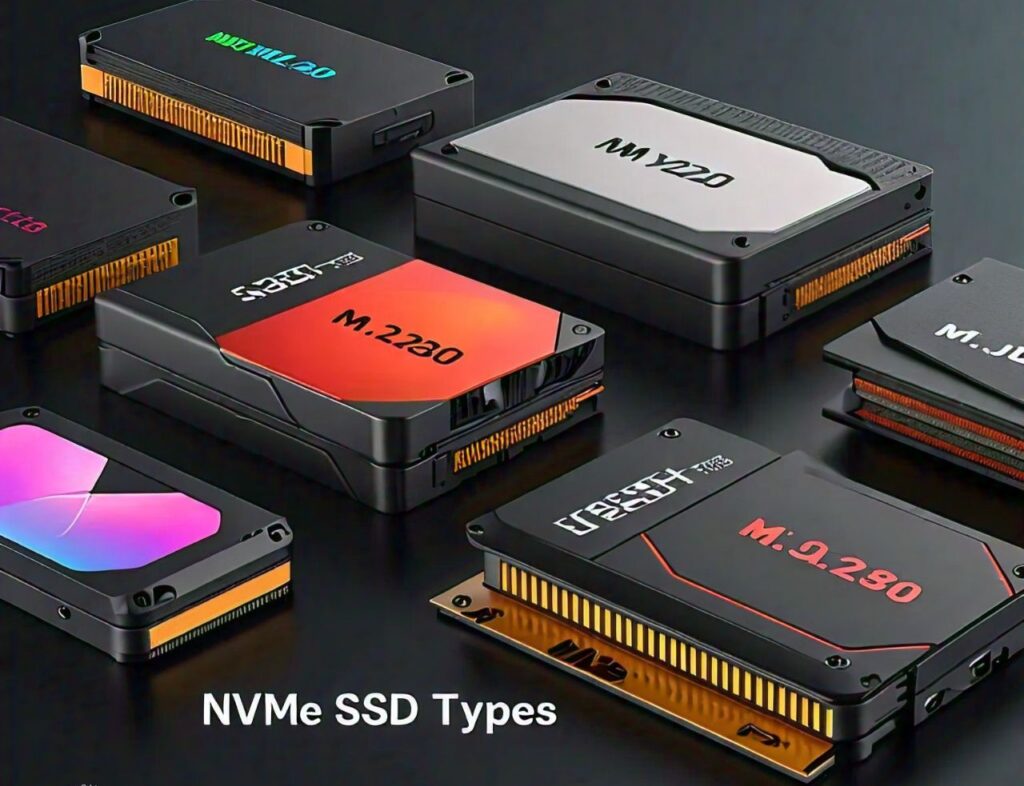
The physical shape and size of your NVMe drive matter more than you might think.
Let’s explore the main form factors that dominate today’s market:
M.2 NVMe SSDs
These compact powerhouses have revolutionized storage solutions for laptops and desktop computers.
Roughly the size of a stick of gum, M.2 drives come in various lengths (2242, 2280, and 22110 being the most common).
They’re perfect for users who want high-speed storage without sacrificing space.
U.2 NVMe SSDs
Think of U.2 drives as the more robust siblings of M.2 SSDs.
Using a form factor similar to traditional 2.5-inch drives, these powerhouses are designed for workstations and servers where hot-swappability is essential.
They’re particularly popular in professional environments where storage drives need frequent updates or replacements.
Add-In Card (AIC) NVMe SSDs
When pure performance is your goal, AIC NVMe SSDs deliver.
These cards plug directly into your motherboard’s PCIe slots, offering maximum cooling potential and often incorporating their own heatsinks.
They’re ideal for content creators, professional video editors, and anyone working with massive file sizes.
EDSFF NVMe SSDs
The Enterprise and Datacenter SSD Form Factor represents the future of data center storage.
These drives are optimized for better thermal management and higher density storage solutions, making them perfect for large-scale enterprise deployments.
NVMe SSDs Based on Interface Protocol
The interface protocol of an NVMe SSD determines how fast data can be transferred between the drive and the system.
This has a direct impact on the performance and speed of the drive, which is especially important for high-demand tasks like gaming, video editing, and data processing.
Here’s a deeper look into the three main PCIe protocols for NVMe SSDs:
PCIe 3.0
PCIe 3.0 was the industry standard for many years and is still widely used due to its reliable performance and more affordable price point.
It offers a maximum theoretical bandwidth of 1,000 MB/s per lane, with most PCIe 3.0 SSDs using four lanes for a total throughput of around 3,500 MB/s.
This makes PCIe 3.0 drives perfect for general use cases, such as casual gaming, content creation, and everyday computing.
The price-to-performance ratio is appealing, as they provide sufficient speed without breaking the bank.
Additionally, these drives have a wide compatibility range, as many older systems support PCIe 3.0.
PCIe 4.0
PCIe 4.0 doubles the bandwidth of PCIe 3.0, offering a theoretical throughput of 2,000 MB/s per lane, or up to 8,000 MB/s for four lanes.
This increased bandwidth makes PCIe 4.0 drives ideal for more demanding tasks, such as 4K video editing, high-performance gaming, and virtual machines.
If you’re working with large files or need faster read/write speeds, PCIe 4.0 provides the performance boost required.
However, keep in mind that both your motherboard and CPU must support PCIe 4.0 to take full advantage of the increased speeds.
While PCIe 4.0 SSDs are more expensive than PCIe 3.0 drives, they offer significantly faster speeds, making them suitable for professionals and enthusiasts who need top-tier performance.
PCIe 5.0
PCIe 5.0 is the latest generation of the PCIe interface and brings a huge leap in performance, offering a theoretical throughput of 4,000 MB/s per lane, or up to 16,000 MB/s for four lanes.
This interface is designed to handle next-gen applications that require extremely high-speed data transfer, such as AI workloads, 8K video editing, or advanced gaming scenarios.
PCIe 5.0 SSDs are still relatively new and tend to be premium products with higher price tags.
These drives are aimed at early adopters or enterprise-level users looking to future-proof their systems or build high-performance storage solutions.
As with PCIe 4.0, PCIe 5.0 requires compatible hardware to take full advantage of the potential speed gains.
Consumer vs. Enterprise NVMe SSDs
Your intended use case should guide your choice between consumer and enterprise drives:
Consumer-Grade NVMe SSDs
These drives focus on burst performance and value, perfect for gaming and personal computing. T
hey offer excellent performance for daily tasks, gaming, and content creation, with warranties typically ranging from 3-5 years.
Enterprise-Grade NVMe SSDs
These prioritize endurance and consistent performance. They include features like power loss protection, end-to-end data protection, and significantly higher write endurance ratings. While more expensive, they’re essential for mission-critical applications.
Single-Sided vs. Double-Sided NVMe SSDs
The number of sides components are mounted on affects more than just thickness. Single-sided drives offer better compatibility with thin laptops but might have lower maximum capacities. Double-sided drives can pack more storage but require adequate clearance in your device.
Key Features to Differentiate NVMe SSD Types
Storage Capacity
Modern NVMe drives range from 250GB to 8TB for consumer models, while enterprise solutions can go even higher. Consider your future storage needs and budget when choosing capacity.
Read and Write Speeds
Sequential read/write speeds vary significantly between models and protocols. While PCIe 3.0 drives typically top out at 3,500MB/s reads, PCIe 4.0 drives can reach 7,000MB/s or more. Remember that real-world performance often differs from advertised maximum speeds.
Endurance and Lifespan
Measured in Total Bytes Written (TBW), endurance ratings help you understand how long your drive might last.
Consumer drives typically offer 600 TBW per terabyte of capacity, while enterprise drives can exceed 1,000 TBW per terabyte.
Conclusion
Take time to evaluate your specific needs when choosing an NVMe SSD.
Consider factors like your motherboard’s compatibility, intended use case, and budget. Remember that the fastest or most expensive option isn’t always the best choice for your particular situation.
Leave a Reply