
Key takeaways
Micro SATA is a compact SSD connection technology, essential for small devices and specialized applications. With unique features and compatibility benefits, Micro SATA SSDs cater to mobile computing, embedded systems, and industrial environments.
Micro SATA, also known as SATA, is a compact version of the Serial Advanced Technology Attachment (SATA) interface primarily used in solid-state drives (SSDs).
Developed to meet the needs of smaller devices, Micro SATA is characterized by a slim connector and reduced size, making it ideal for mobile computing applications where space is a constraint.
While standard SATA is the primary interface for hard drives and SSDs in desktop computers, Micro SATA’s compact form factor allows it to be widely adopted in portable and embedded systems.
Key Features of Micro SATA SSDs
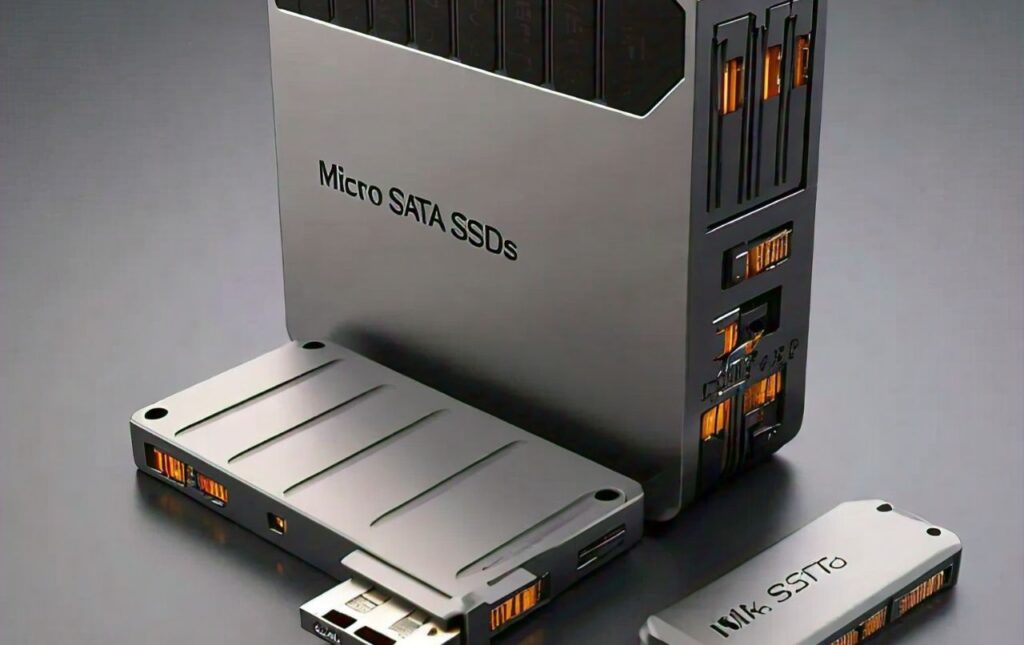
Micro SATA SSDs come with specific features designed for compatibility, performance, and durability in small devices.
Here are some key features:
1. Compact Form Factor
- Micro SATA SSDs are often smaller than typical 2.5-inch drives, making them perfect for use in compact or embedded devices, such as notebooks, tablets, and industrial systems.
2. Power Efficiency
- Due to their small size, Micro SATA SSDs are designed with low power consumption, benefiting battery-operated devices and reducing overall power needs in applications requiring efficiency.
3. High-Speed Data Transfer
- While not as fast as more recent standards like NVMe, Micro SATA SSDs offer respectable transfer speeds that are suitable for many general applications, providing reliable performance for lightweight and mobile devices.
4. Durability and Shock Resistance
- Built with flash memory rather than spinning disks, Micro SATA SSDs are more resistant to physical shocks, vibrations, and extreme temperature variations, making them a good choice for rugged environments.
Differences Between Micro SATA SSD and Other SSDs
Micro SATA differs from other SSDs primarily in size, compatibility, and performance attributes.
Here’s how it stacks up against other popular types of SSDs:
1. Standard SATA SSDs
- Size and Connector: Micro SATA SSDs are smaller than traditional 2.5-inch SATA SSDs and use a different, more compact connector.
- Performance: Both Micro SATA and standard SATA SSDs offer similar transfer speeds, as they share the same underlying SATA technology.
2. mSATA SSDs
- Size: Micro SATA is slightly larger than mSATA but retains a similar compact design, focusing on portable and embedded systems.
- Connector Compatibility: mSATA SSDs use a mini PCIe slot, whereas Micro SATA uses a dedicated Micro SATA port, which affects device compatibility.
3. M.2 and NVMe SSDs
- Performance: M.2 and NVMe SSDs offer significantly faster data transfer speeds compared to Micro SATA, making them preferable for high-performance applications.
- Application: Micro SATA is designed for compact devices and specialized applications, while NVMe is more common in high-speed data processing and gaming.
Benefits of Using Micro SATA SSDs
Micro SATA SSDs offer several advantages, especially in settings that prioritize space-saving and energy efficiency:
1. Space Optimization
- Micro SATA SSDs are ideal for applications where compact storage solutions are essential, such as in ultrabooks, embedded systems, and industrial equipment.
2. Lower Power Consumption
- Micro SATA drives consume less power, helping extend battery life in mobile devices and reduce power costs in continuous-use applications.
3. Enhanced Reliability
- Built with NAND flash memory, Micro SATA SSDs exhibit greater durability than traditional hard drives, offering resilience against mechanical wear and environmental factors.
4. Affordable Performance
- For moderate performance requirements, Micro SATA provides an affordable alternative to higher-end SSDs while delivering reliable speeds and storage capabilities.
Applications of Micro SATA SSDs
Micro SATA SSDs are versatile and used across a variety of sectors:
1. Mobile Computing Devices
- Laptops, tablets, and ultrabooks benefit from the compact size and efficiency of Micro SATA SSDs, as they are both lightweight and portable.
2. Embedded Systems
- Micro SATA SSDs are often used in embedded systems, which require stable, compact storage for control panels, digital signage, and automation equipment.
3. Industrial and Medical Equipment
- Their reliability and durability make Micro SATA SSDs suitable for use in medical devices and industrial settings, where they endure challenging environmental conditions.
4. Data Acquisition Systems
- In systems where constant data recording is required, such as in scientific instruments and remote sensors, Micro SATA SSDs provide durable, low-power storage.
How to Choose the Right Micro SATA SSD?
Selecting the best Micro SATA SSD depends on a few key factors:
1. Capacity
- Determine the required storage capacity for your application, as Micro SATA SSDs come in a range of sizes. Be sure the SSD you choose meets your device’s storage needs without overspending on unneeded capacity.
2. Performance Requirements
- Evaluate the data transfer and processing needs of your application. While Micro SATA SSDs provide solid performance, they may not match the speed requirements for tasks that need high-speed data throughput.
3. Compatibility
- Confirm that your device is compatible with Micro SATA SSDs, as some may support only certain sizes or interface types.
4. Endurance and Reliability
- For industrial or rigorous environments, choose an SSD with high endurance, shock resistance, and temperature tolerance to ensure long-term reliability.
Installation Guide for Micro SATA SSDs
Proper installation is key to optimizing the performance of your Micro SATA SSD. Follow these steps for a smooth setup:
Step 1: Check Compatibility
- Before purchasing, make sure your device has a compatible Micro SATA port. Not all devices with SATA support Micro SATA connections.
Step 2: Backup Existing Data
- If replacing an existing drive, back up all important data to prevent data loss during the installation process.
Step 3: Open the Device
- Carefully open your laptop, tablet, or device, following the manufacturer’s instructions. Make sure you’re grounded to prevent electrostatic discharge.
Step 4: Install the SSD
- Insert the Micro SATA SSD into the dedicated port, ensuring a snug and secure fit. Avoid bending the connectors to prevent damage.
Step 5: Secure the Drive
- Once inserted, secure the SSD in place with screws or brackets if required. Some setups may also require you to add or remove spacers for a proper fit.
Step 6: Close the Device and Test
- Reassemble the device, then turn it on to confirm that the SSD is recognized. You may need to format or initialize the drive, depending on the operating system.
Popular Brands and Models of Micro SATA SSDs
Micro SATA SSDs are available from several trusted brands. Here are some notable options:
1. Samsung
- Samsung offers high-quality SSDs with reliable performance and durability, including Micro SATA options for compact devices.
2. Kingston
- Known for affordability and reliability, Kingston’s Micro SATA SSDs are ideal for general-purpose use in laptops and embedded systems.
3. Crucial
- Crucial provides energy-efficient Micro SATA SSDs with a range of capacities suitable for industrial and personal use.
4. Transcend
- Transcend specializes in rugged SSDs, making their Micro SATA models a great choice for applications requiring durability and longevity.
5. SanDisk
- SanDisk is a trusted brand for high-performance SSDs, with options in the Micro SATA range designed for data-intensive applications.
FAQs
1. What devices typically use Micro SATA SSDs?
- Micro SATA SSDs are primarily used in compact devices like ultrabooks, tablets, embedded systems, and some industrial equipment.
2. Is Micro SATA compatible with standard SATA ports?
- No, Micro SATA has a different connector and is not directly compatible with standard SATA ports.
3. Can I upgrade from a Micro SATA SSD to an NVMe SSD?
- Upgrading to an NVMe SSD may not be possible as it requires an M.2 slot, which is generally not available in devices designed for Micro SATA SSDs.
4. How durable are Micro SATA SSDs?
- Micro SATA SSDs are designed to be durable, shock-resistant, and suitable for environments where traditional hard drives would fail.
5. Are Micro SATA SSDs affordable?
- Yes, Micro SATA SSDs are generally more affordable than NVMe SSDs, making them a cost-effective choice for moderate storage needs.
Conclusion
Micro SATA SSDs provide a compact, efficient solution for devices where space and power efficiency are priorities.
With suitable performance for everyday tasks and enhanced durability for rugged environments, they serve as versatile storage options across a range of applications.
From mobile devices and embedded systems to industrial equipment, Micro SATA SSDs meet the needs of compact storage without sacrificing reliability.
When selecting the right Micro SATA SSD, consider factors like capacity, performance, and durability to ensure it aligns with your device requirements and application goals.
Leave a Reply